Converting an iMac into a monitor: what it really takes
You've probably seen the videos: glass off, logic board out, a new board in. Here's what an iMac conversion really involves, what it costs, and when there's an easier way.
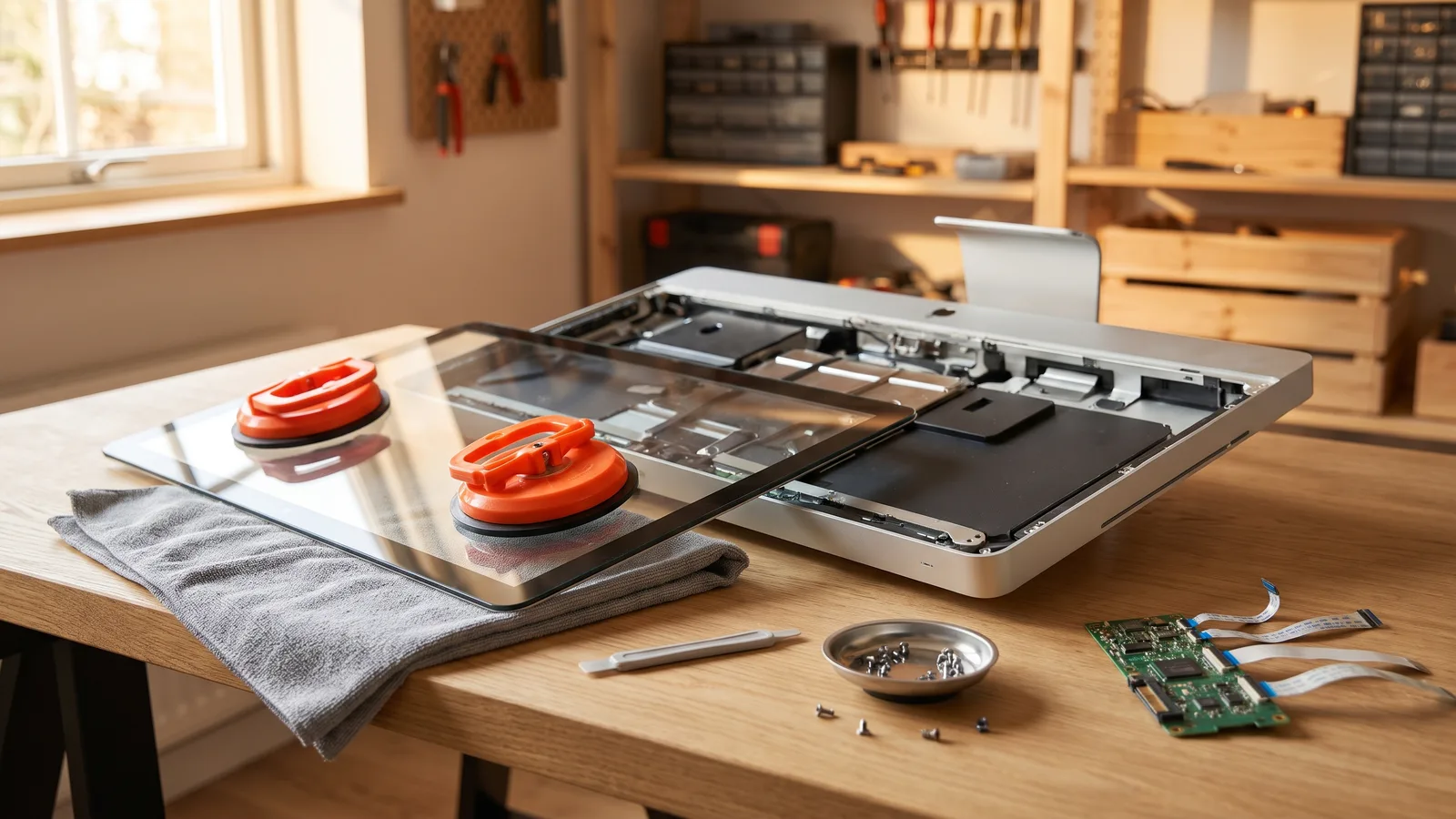
Once people find out their iMac can't be used as a monitor the Apple way anymore, most of them land on the same videos. Someone opens an iMac, takes out the computer, and puts in a small board that turns the screen into a plain monitor. It looks satisfying, and the result can be great.
What you need before you start
First, find out exactly which iMac you have: on the iMac, choose Apple menu › About This Mac, or look it up in Apple's "Identify your iMac model" list. Then you'll need:
- A driver board that matches your panel's exact model number (see the table below).
- A power supply for the board, unless your kit reuses the iMac's own.
- Opening tools: a plastic opening wheel or pick for glued iMacs, or suction cups for the older ones with magnets.
- New adhesive strips made for your iMac model, to close the glued models again.
- A video cable (HDMI or DisplayPort) and a clean, soft surface big enough for the screen.
- A repair guide for your exact model. iFixit's iMac guides show every step with photos.
The panel decides which board you need. These are the common panel families, but always check the label on your own panel before ordering, because the letters at the end matter:
| iMac | Panel family (check yours) | Resolution |
|---|---|---|
| 27-inch, 2009 to 2011 | LM270WQ1 | 2560 × 1440 |
| 27-inch, Late 2012 to 2013 | LM270WQ1 | 2560 × 1440 |
| 27-inch Retina 5K, Late 2014 to 2020 | LM270QQ1 | 5120 × 2880 |
| 21.5-inch, Late 2012 to 2015 | LM215WF3 | 1920 × 1080 |
| 21.5-inch Retina 4K, 2015 to 2019 | LM215UH1 | 4096 × 2304 |
Panel families as board sellers list them, checked October 2026. The exact model on your panel's label is what counts.
5K panels are the hardest case. They need a board that can drive 5120 × 2880, which is why they cost the most. Check in the listing which inputs run the panel at full resolution before you buy.
How a conversion works
- Order the board. Boards are sold on AliExpress, eBay and a few specialist shops, often called a "conversion kit" or "LCD controller board". Expect a few weeks of shipping from overseas.
- Open the iMac. How depends on its age:
- 2009 to 2011: the glass is held on by magnets. You lift it off with suction cups, then unscrew the screen behind it. This is the friendlier one.
- Late 2012 and newer: glass and screen are one piece, glued to the case. You cut through the adhesive with a thin opening wheel all the way around, then lift a large, fragile panel off without bending it.
- Remove the insides: logic board, drive, fans, speakers and usually the power supply.
- Fit the new board, connect it to the screen, and sort out power: a separate power brick or the iMac's own supply, depending on the kit.
- Test before closing. Connect a computer and check the picture before anything gets glued.
- Close it up with new adhesive strips, and route the cables out of the back.
What it costs
| Item | Roughly |
|---|---|
| Driver board (5K panels cost the most) | $140 to $280 |
| Adhesive strips, opening tool, suction cups | $20 to $40 |
| Power supply and cables, depending on the kit | $0 to $50 |
| Your time | An afternoon to a weekend |
5K board prices from eBay listings and a Cult of Mac build ($170.99 for the board), checked October 2026. Boards for older and smaller panels are usually cheaper. Prices vary a lot by seller.
The risks
- The glass can crack while you open or close a glued iMac. A replacement 27-inch 5K panel is sold for around $240 (Beetstech), more than the board itself.
- A board that doesn't match your panel gives a blank or flickering picture, and returning parts to overseas sellers is slow.
- Your iMac stops being a computer, and going back means keeping every part and gluing it all again.
- Some features are often lost: depending on the kit, the speakers, the camera or brightness control through your computer stop working.
When a conversion makes sense
To be fair, there are good reasons to convert:
- The iMac's computer is dead. A conversion is then the only way to keep using that screen. Software options like Encore need a working iMac.
- You want a monitor for a PC. A converted iMac takes HDMI or DisplayPort from any computer. Some older iMacs can do it without opening them; see using an iMac as a monitor for a PC.
- You enjoy hardware projects and never want the iMac as a computer again.
- Your iMac is from before Late 2012. Encore needs a Late 2012 or newer Intel iMac. A 2009 to 2011 iMac may still have Target Display Mode, which is worth trying first.
The easier way: software and a cable
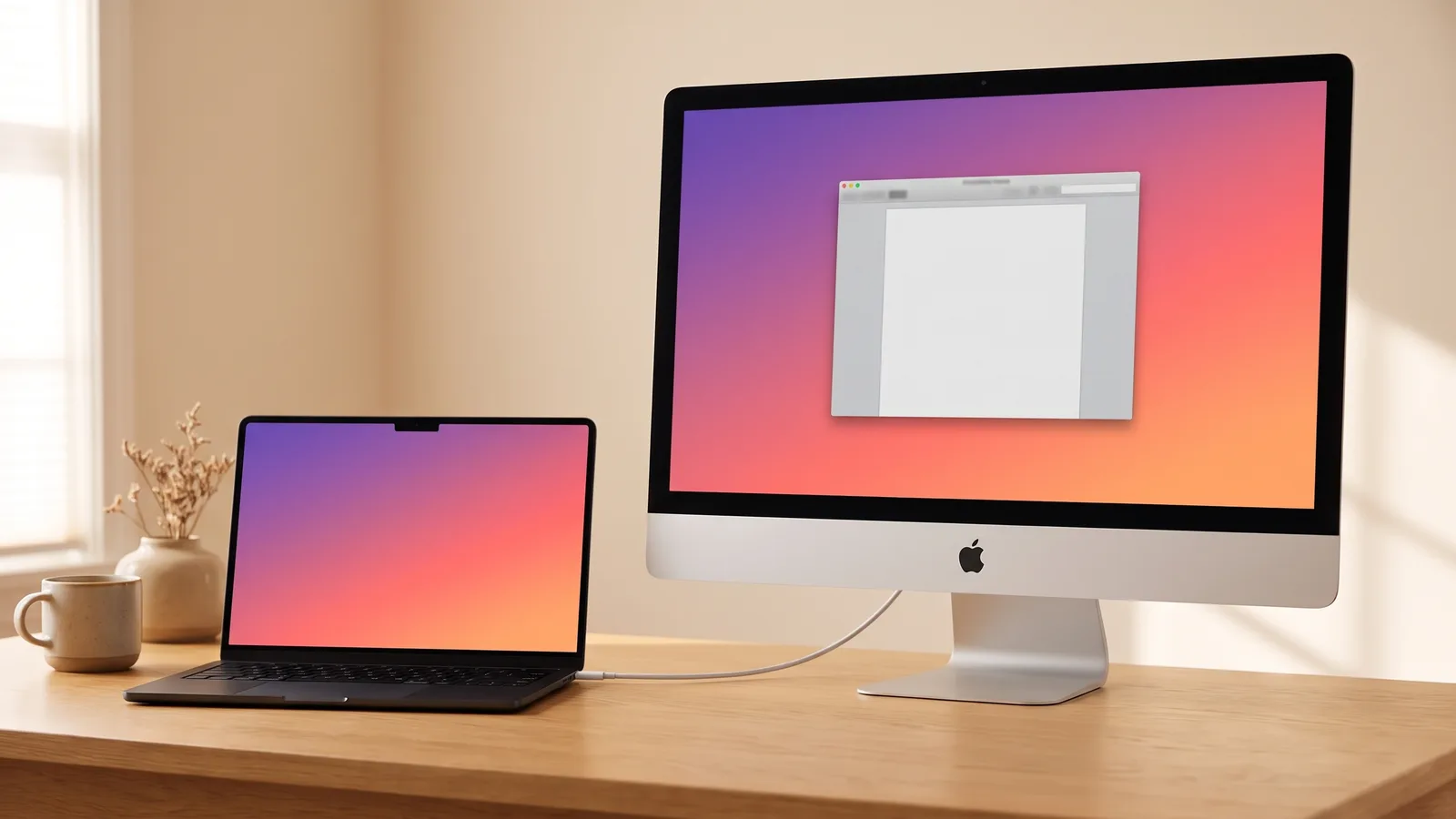
If your iMac still turns on, you can skip all of this. Encore turns any Intel iMac from Late 2012 on into a real display for a Mac on macOS 13 or later, with one cable. Nothing is opened, nothing is ordered from overseas, and you can use it as a computer again anytime. See if your iMac is on the list, or read how it works with a MacBook.
- Sharp text at the iMac's full resolution, up to 5K. On my 5K iMac the picture appears about two seconds after plugging in.
- Smooth video and windows at up to 60 frames per second.
- Shows up in System Settings like any monitor, with sound through the iMac's speakers.
- Brightness and Night Shift follow your MacBook.
Encore
Your old iMac. Now a monitor.
Free for 72 hours · then $49 once · no subscription · for Macs on macOS 13 or later
Conversion vs. the other options
| Option | Works with | Cost | Effort | Picture | iMac stays a Mac? |
|---|---|---|---|---|---|
| Target Display Mode | 24- and 27-inch iMacs from 2009–2010 and all iMacs from 2011 to mid 2014, with a Mac from 2019 or earlier | A cable | Low | Sharp | Yes |
| AirPlay | iMacs from 2019 on, over Wi-Fi | Free | Low | Compressed, slight lag | Yes |
| USB dongle + app | Most Macs | An adapter plus an app | Low | Often soft text, laggy pointer | Yes |
| Hardware conversion | Most iMacs | Roughly $160 to $370 in parts and tools | A weekend, real risk | Sharp | No |
| Encore | Intel iMacs from Late 2012 on, with a Mac on macOS 13 or later | $49 once | One cable, two minutes | Sharp, up to 60 fps | Yes |
Want the full picture, including Target Display Mode and AirPlay? Read the complete guide.
Questions people ask
How much does it cost to convert an iMac into a monitor?
For a 5K iMac, the driver board alone is listed at around $170, and kits on eBay run from about $140 to $280. Add adhesive strips, opening tools and often a power supply. Software like Encore costs $49 and needs only a cable.
Is converting an iMac to a monitor worth it?
It can be if the iMac's computer is broken, if you want a monitor for a PC, or if you enjoy hardware projects and never want the iMac as a computer again. If your iMac still works and you'd rather not open it, software and a cable get you a real monitor in minutes.
Can I undo an iMac monitor conversion?
Not easily. You'd have to keep all the original parts and reassemble everything, including new adhesive for the glass.
Does a converted iMac work with a PC?
Yes. That's one of the real advantages of a conversion: the driver board takes a normal HDMI or DisplayPort signal from any computer.
Which iMacs can be converted?
Almost any, as long as there's a driver board for its panel. Boards are common for the 27-inch iMacs from 2009 to 2020 and the 21.5-inch models. The panel model on the label inside decides which board you need.