Can you use an iMac as a monitor for a PC?
Sometimes. It depends on how old your iMac is. Here's what works, what doesn't, and what you'd need for each.
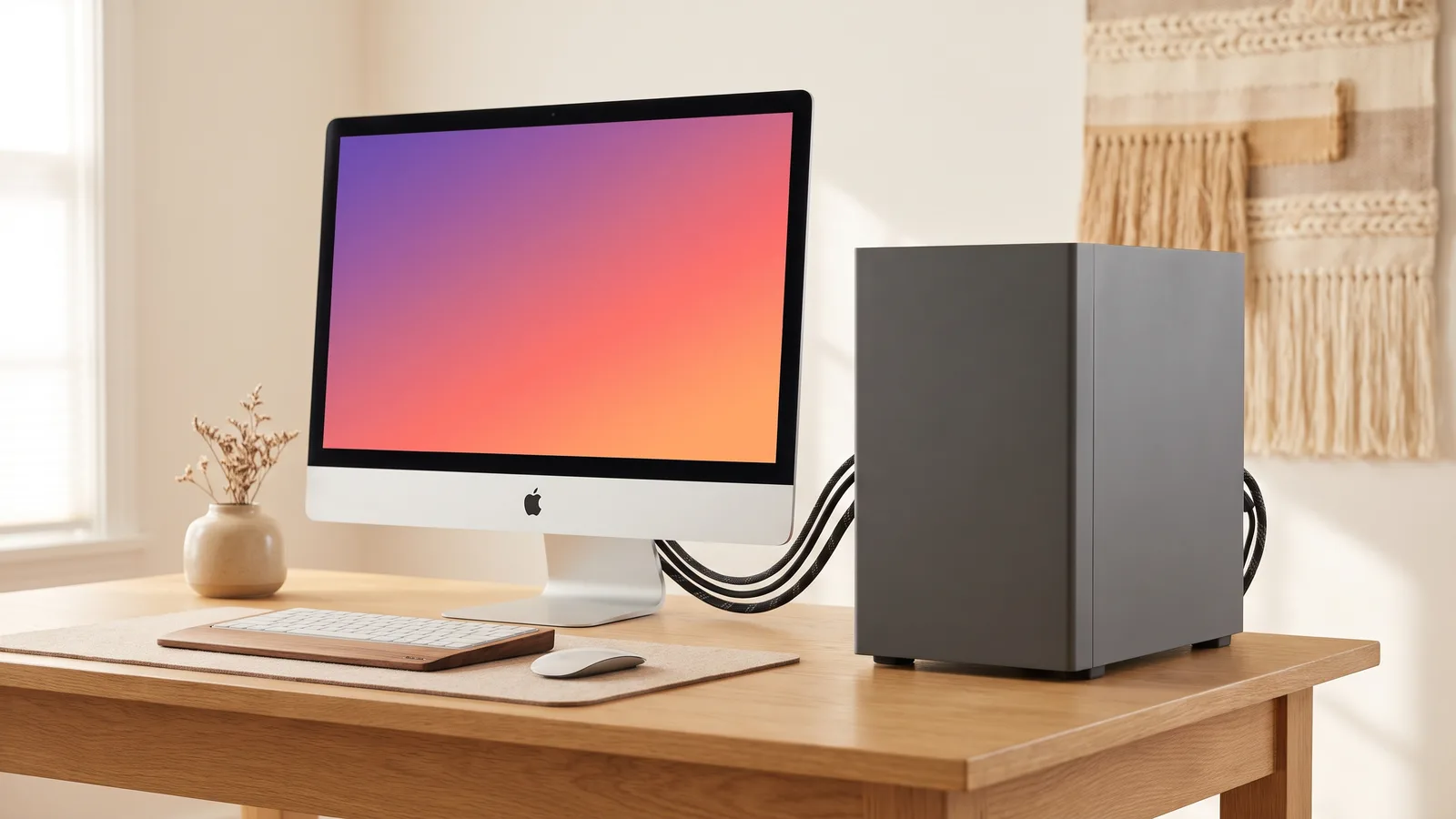
It's a fair question: a 27-inch iMac screen next to a gaming or work PC would be a great setup. The answer depends almost entirely on the year of your iMac.
27-inch iMacs from 2009 and 2010: yes, with the right cable
These iMacs have a Mini DisplayPort that accepts a video signal, and Target Display Mode (Apple Support). A PC with a DisplayPort output can connect with a DisplayPort to Mini DisplayPort cable. From HDMI, you need an active HDMI to Mini DisplayPort converter, not a simple adapter. Then press Command + F2 on the iMac's keyboard.
iMacs from 2011 to mid 2014: usually not
These have Target Display Mode over Thunderbolt, but they expect a Mac on the other end. Most PCs can't use them as a monitor, even with Thunderbolt.
iMacs from Late 2014 on (including all Retina 5K iMacs): only with a conversion
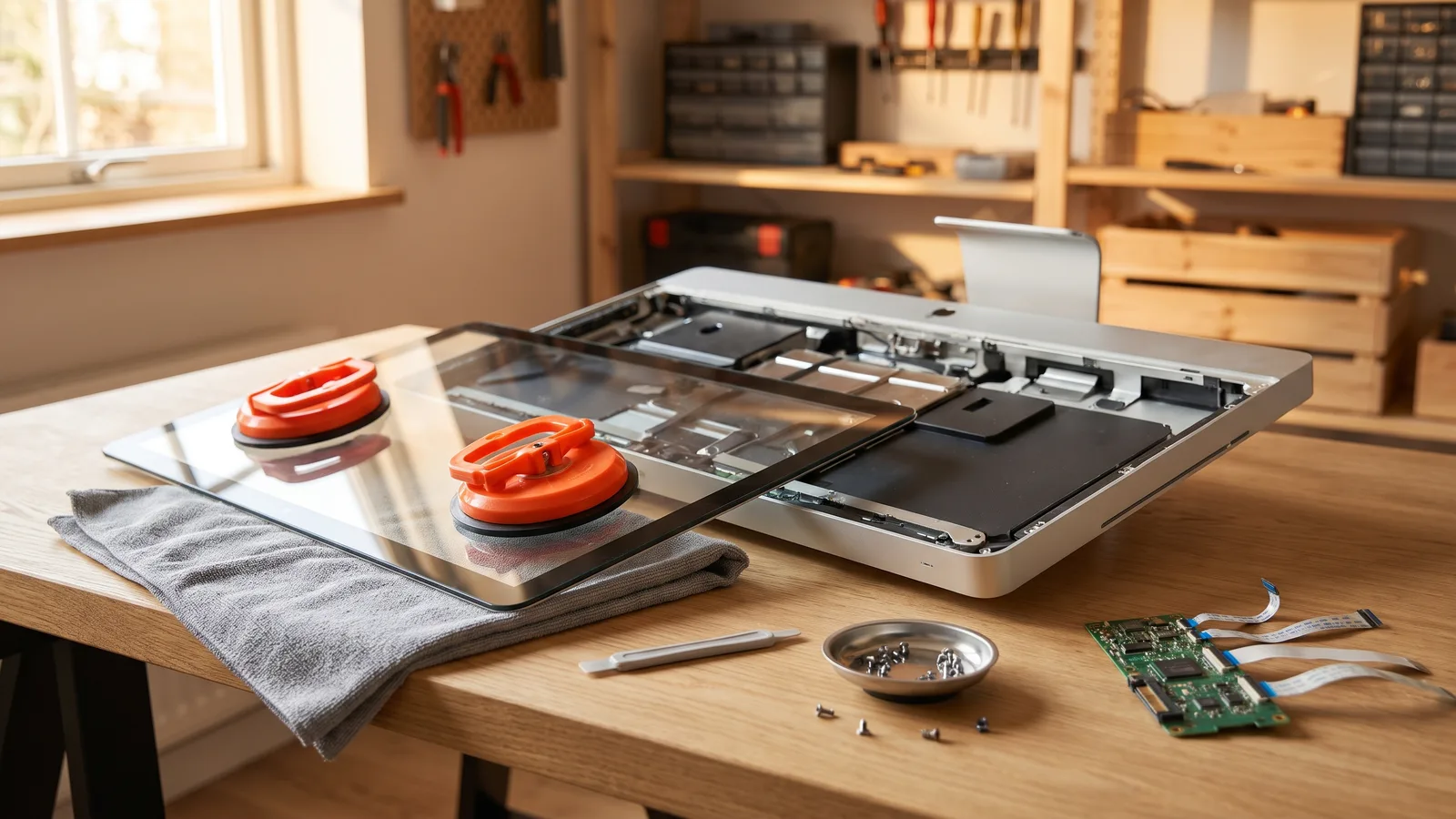
These iMacs never had a video input. To use one with a PC, the iMac has to be converted: opened up, its computer removed, and a driver board fitted that takes HDMI or DisplayPort. It works with any computer afterwards, but it's a weekend project, there's a real risk of cracking the glass, and the iMac isn't a computer anymore. What a conversion involves.
If you also have a Mac
If you have a Mac too, there's a much easier route for that side of the desk. Encore turns any Intel iMac from Late 2012 on into a real display for a Mac with one cable, no tools needed. It's Mac only for now, so it can't help with a PC yet. Every way to use an iMac as a monitor.
Questions people ask
Can I use my iMac as a monitor for my PC?
Only the 27-inch iMacs from 2009 and 2010 accept a video signal from a PC, through their Mini DisplayPort. iMacs from 2011 to mid 2014 expect a Mac on the other end, and iMacs from Late 2014 on have no video input at all, so they need a hardware conversion.
Can I connect HDMI to an iMac?
Not directly. The 2009 and 2010 27-inch iMacs need an active HDMI to Mini DisplayPort converter. Newer iMacs can't take HDMI without a hardware conversion.
Does Encore work with Windows?
Not yet. Encore connects a Mac to an iMac.