What to do with an old iMac? Use it as a monitor.
The computer inside got slow. The screen didn't. Here's how to give your old iMac a second life on your desk, next to your new Mac.
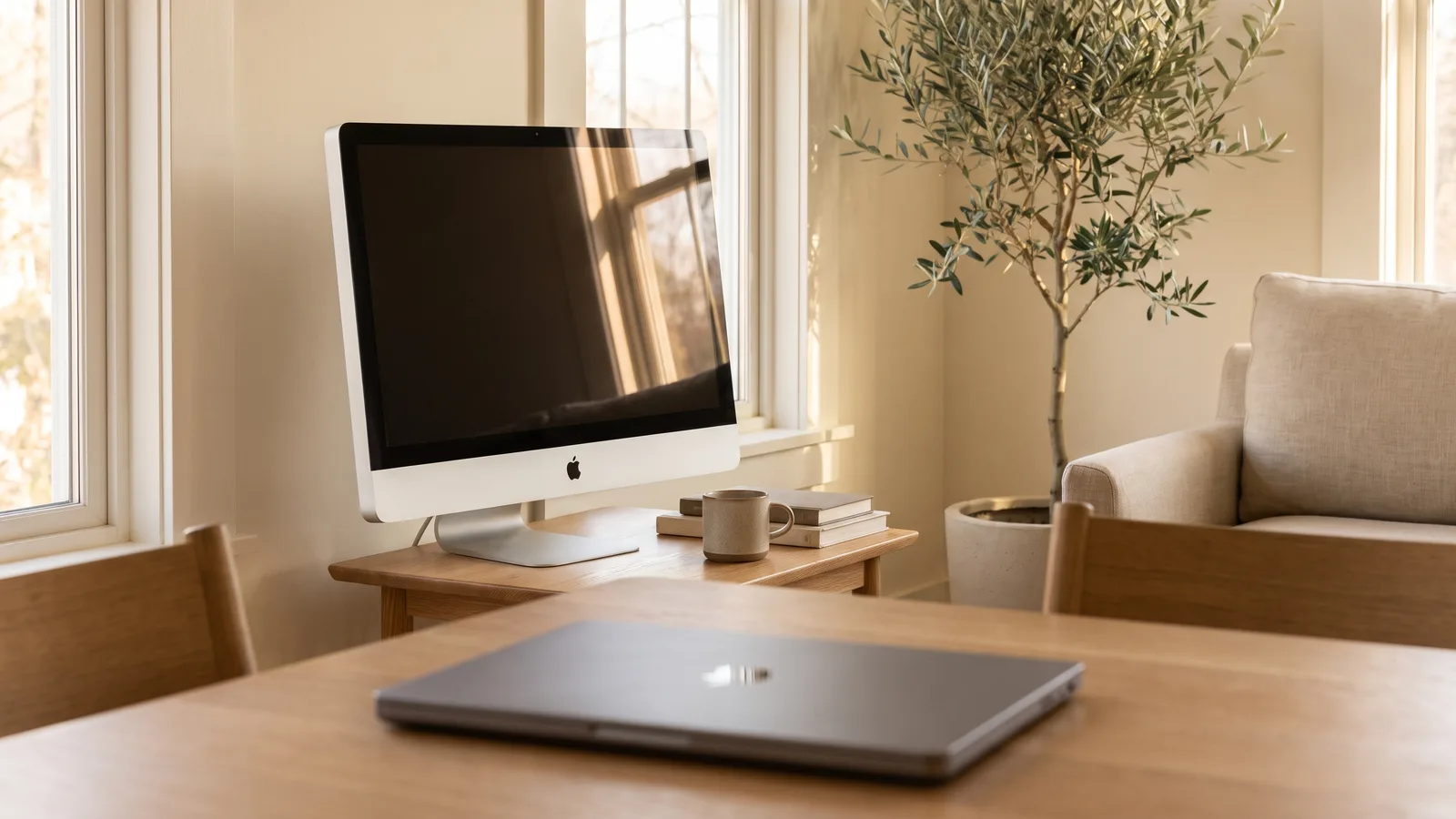
Maybe you know the feeling. You got a new MacBook, and the old iMac now sits in the corner. It still turns on, the screen is still beautiful, and it feels wrong to throw it away. You remember that iMacs used to work as monitors, so you search for how to do it, and find out that it's not that simple anymore.
I've been there. Here's what you can actually do with it, starting with the option most people don't know exists.
Your options for an old iMac
- Sell it. Older iMacs don't fetch much anymore, usually far less than the screen is worth to you on your own desk.
- Give it to family or keep it as a spare computer. Fine for browsing and email, but newer macOS versions and apps leave it behind over time.
- Recycle it. Apple and many electronics shops take old Macs back. The world produced 62 million tonnes of e-waste in 2022, and only about 22% of it was documented as properly recycled (UNITAR, 2024), so recycling is better than the drawer, but reusing is better still.
- Turn it into a monitor. A 27-inch Retina iMac has a 5120 × 2880 screen. When Apple launched its own 27-inch 5K Studio Display in March 2022, it cost $1,599 (Apple Newsroom). Using the one you already own is the most valuable option by far.
Can an old iMac be used as a monitor?
Yes, in most cases. How depends on how old it is:
| Your iMac | How it can be a monitor |
|---|---|
| 2009 to mid 2014 (2009–2010: 24- and 27-inch only) | Apple's Target Display Mode, but only with a Mac from 2019 or earlier. Or Encore, for iMacs from Late 2012 on. |
| Late 2014 to 2020, including all Retina 5K and 4K iMacs | Encore and one cable. AirPlay over Wi-Fi on 2019 and 2020 models. |
| Any iMac with a broken computer | A hardware conversion with a driver board. |
Not sure which iMac you have? On the iMac, choose Apple menu › About This Mac, then look it up in our list. More on the old Apple feature: how Target Display Mode works.
All the ways, side by side
| Option | Works with | Cost | Effort | Picture | iMac stays a Mac? |
|---|---|---|---|---|---|
| Target Display Mode | 24- and 27-inch iMacs from 2009–2010 and all iMacs from 2011 to mid 2014, with a Mac from 2019 or earlier | A cable | Low | Sharp | Yes |
| AirPlay | iMacs from 2019 on, over Wi-Fi | Free | Low | Compressed, slight lag | Yes |
| USB dongle + app | Most Macs | An adapter plus an app | Low | Often soft text, laggy pointer | Yes |
| Hardware conversion | Most iMacs | Roughly $160 to $370 in parts and tools | A weekend, real risk | Sharp | No |
| Encore | Intel iMacs from Late 2012 on, with a Mac on macOS 13 or later | $49 once | One cable, two minutes | Sharp, up to 60 fps | Yes |
Why I'd keep it in one piece
Converting an iMac means cutting the glass loose, removing the computer inside, and fitting a board from a site like AliExpress. It works, but it takes a weekend, there's a real risk of cracking the screen, and your iMac is never a computer again. More in what converting an iMac into a monitor takes.
With Encore, you install the app on both Macs, connect a cable (often one you already have), and the iMac shows up as a real display. Unplug it, and it's your old iMac again. If you ever want to sell it or hand it on, nothing has changed.
What it's like to use
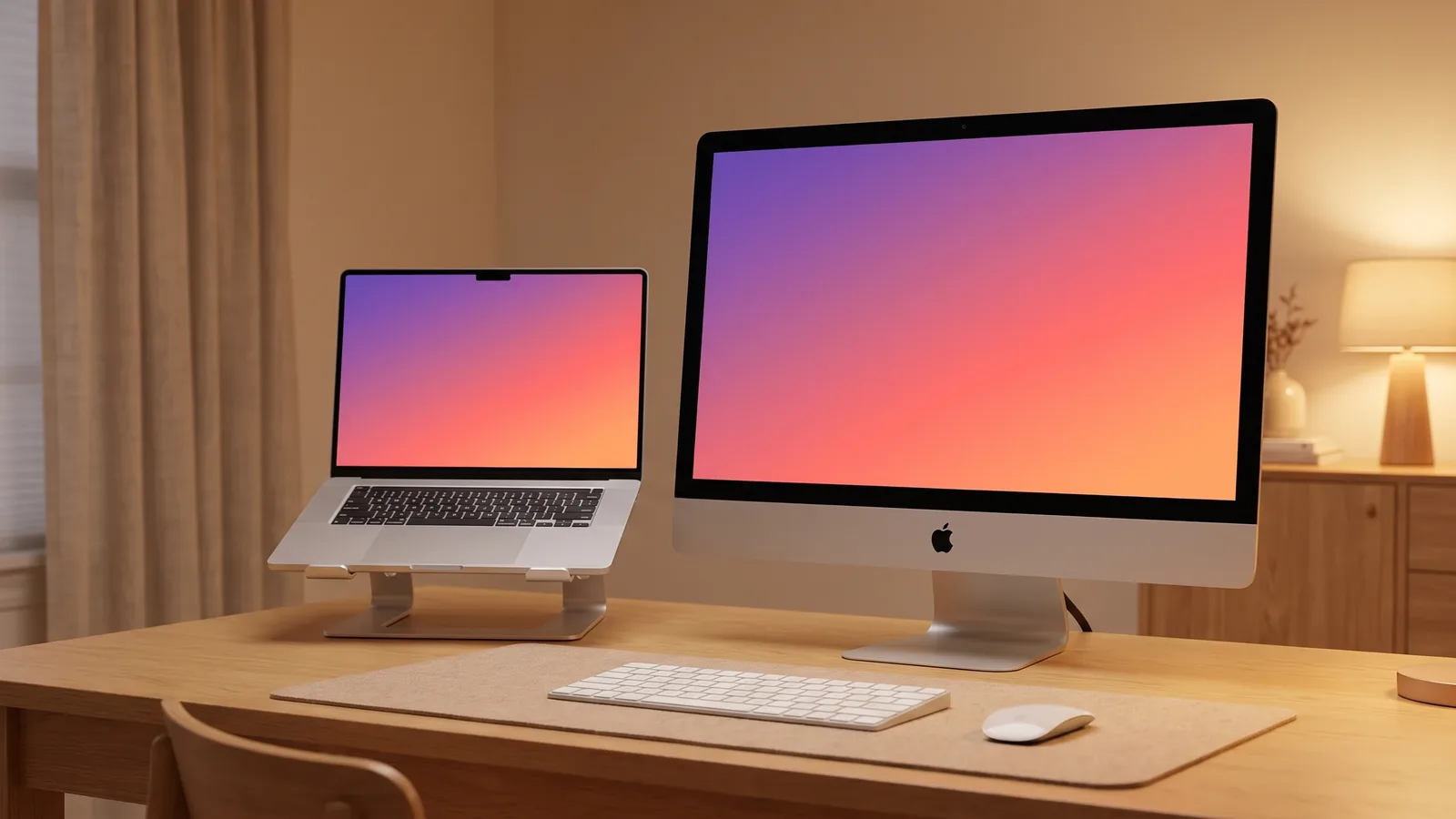
- Drag windows across like onto any monitor. Text is sharp and the pointer keeps up with your hand.
- Videos play smoothly at up to 60 frames per second, and sound can come from the iMac's speakers.
- Close your MacBook while it's charging, and keep working on the big screen.
- Sleep and wake together: when your Mac sleeps, the iMac goes dark. When it wakes, so does the iMac.
- Brightness and Night Shift follow your MacBook, so both screens match.
Encore
Your old iMac. Now a monitor.
Free for 72 hours · then $49 once · no subscription · for Macs on macOS 13 or later
Questions people ask
Is it worth keeping an old iMac?
If the screen still looks good, usually yes. A 27-inch iMac has a better screen than most monitors you can buy for a few hundred dollars, and used as a monitor it doesn't matter that the computer inside is slow.
Can an old iMac be used as a monitor for a new MacBook?
Yes. Any Intel iMac from Late 2012 on works as a monitor for a Mac on macOS 13 or later with Encore and one cable. Apple's Target Display Mode doesn't work with today's MacBooks.
What's the best thing to do with an old iMac?
That depends on the iMac. If it works and has a good screen, turning it into a monitor gives you the most value. If it's broken, a hardware conversion or recycling are the options.