How to use your iMac as a monitor for your MacBook
Your old iMac has a beautiful screen. With Encore and one cable, it becomes a second monitor for your MacBook Air or MacBook Pro in about two minutes.
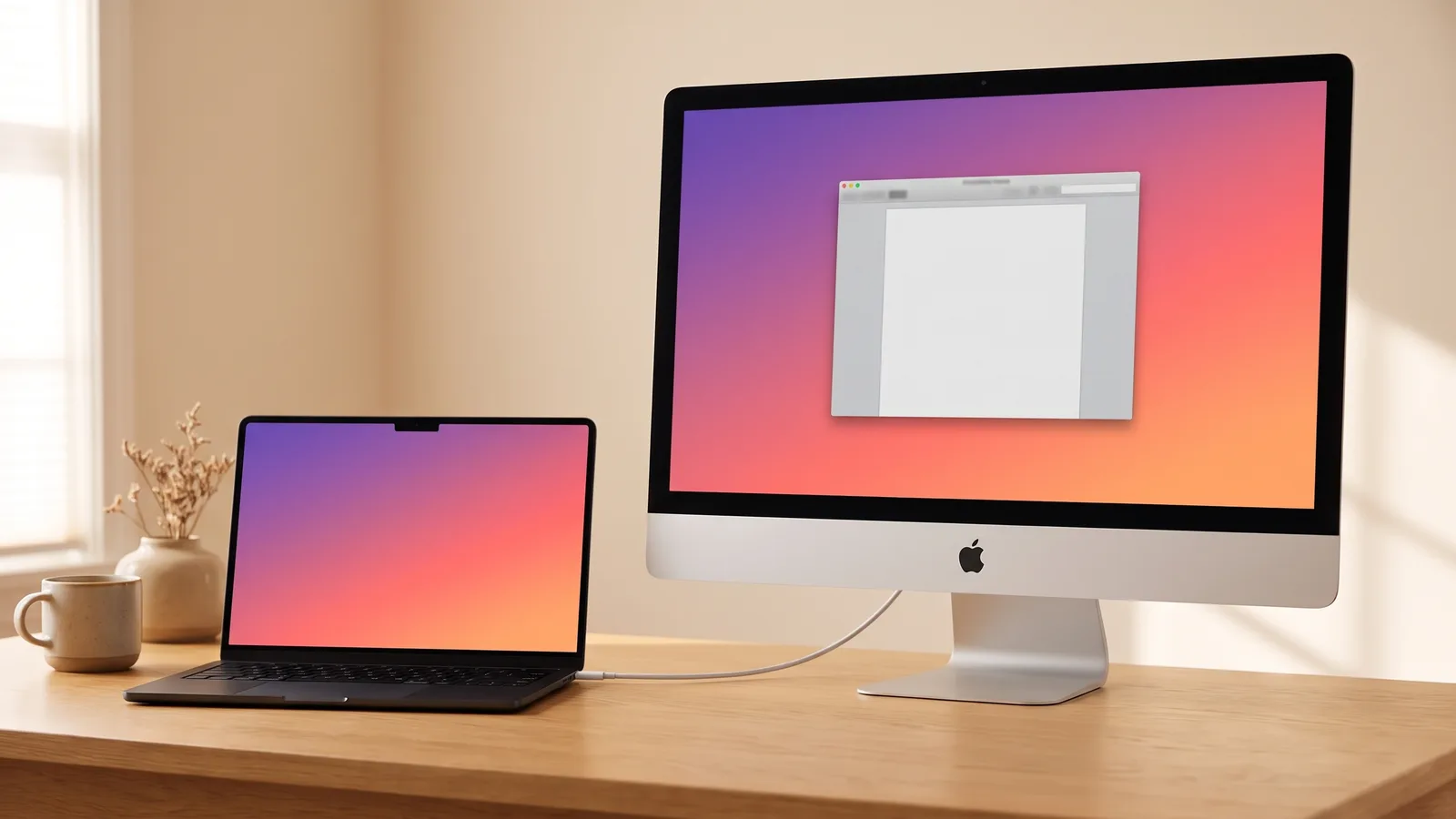
Most people who end up here have the same setup: a MacBook they work on all day, and an iMac that's become too slow to be the main computer but still has a better screen than anything in the house. Here's how to put the two together. (Curious about the other ways, like AirPlay or opening the iMac? See every option.)
What you need
- An Intel iMac from Late 2012 or newer (see every model).
- A MacBook on macOS 13 Ventura or later.
- One cable: USB-C to USB-A for iMacs from 2012 to 2015, USB-C or Thunderbolt for iMacs from 2017 on.
Check your iMac and MacBook
Choose your old iMac and the Mac you work on.
Set it up in four steps
- Install Encore on both Macs. Download Encore on your MacBook and on your iMac, and drag it into the Applications folder on each.
- Open Encore on the iMac. Open Encore on the iMac. It waits quietly for your MacBook.
- Open Encore on your MacBook. Open Encore on your MacBook and allow screen recording when asked.
- Connect the cable. Plug one cable from your MacBook into the iMac. Your desktop appears on the iMac about two seconds later.
That's it. Drag a window from your MacBook onto the iMac, and arrange the screens in System Settings › Displays like any monitor.
Working with the lid closed
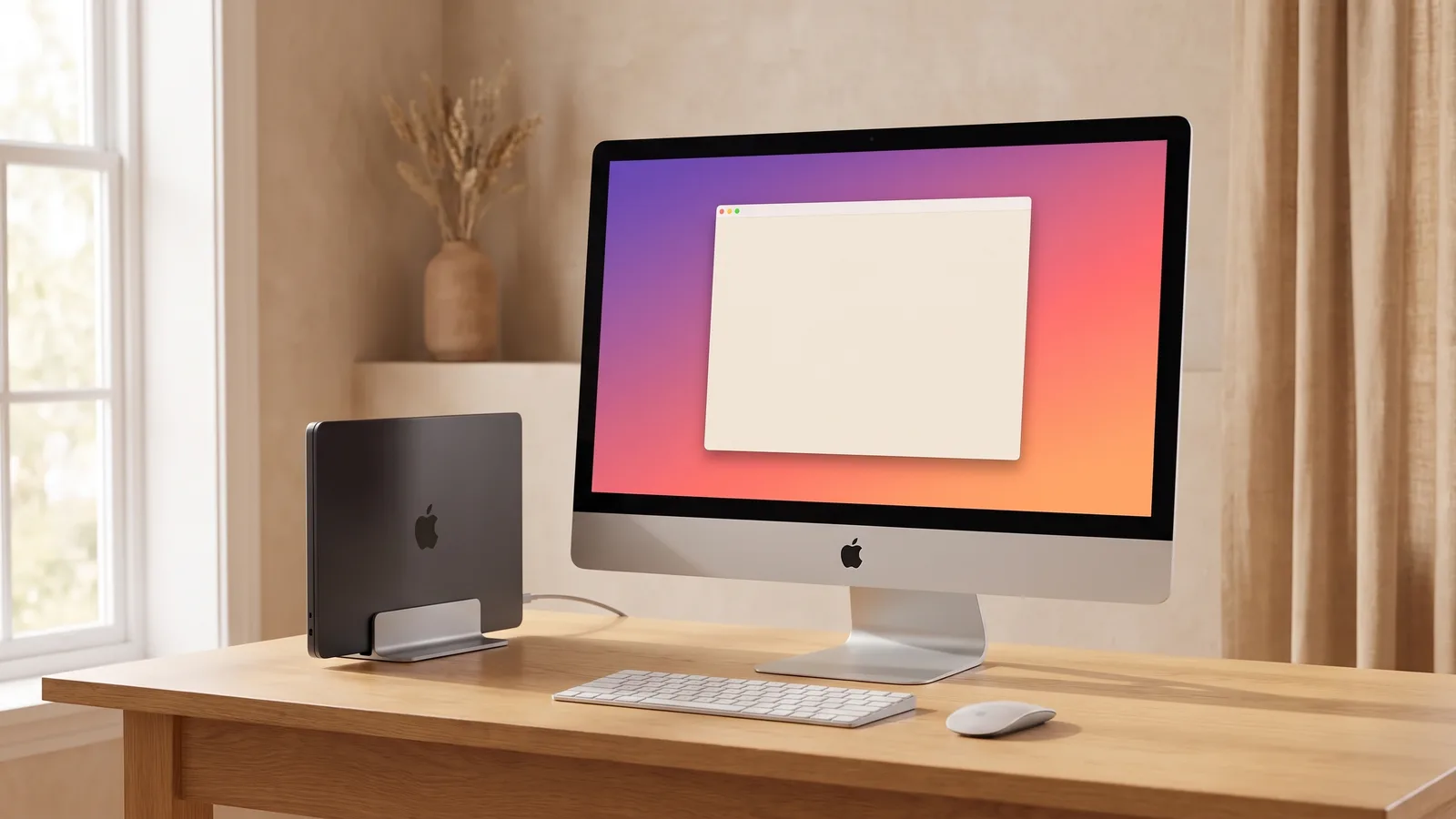
Close your MacBook while it's charging, and the iMac becomes your only screen, the way a regular monitor works. Use a Bluetooth keyboard and mouse, or the iMac's own.
Sound, brightness and Night Shift
- Sound: turn it on in the Encore menu, and your MacBook plays through the iMac's speakers. Your volume keys control the iMac's volume.
- Brightness: the iMac can follow your MacBook's brightness, keys included.
- Night Shift: when your MacBook turns warmer in the evening, so does the iMac.
Why can't I see my iMac in Screen Mirroring?
Screen Mirroring and AirPlay only list Macs that can receive AirPlay, and most iMacs from before 2019 can't. Even when one shows up, AirPlay sends a compressed picture over Wi-Fi, so text looks soft and the pointer lags. Encore uses a cable and turns the iMac into a real display: sharp text, smooth windows, and it shows up in System Settings like a monitor.
Encore
Your old iMac. Now a monitor.
Free for 72 hours · then $49 once · no subscription · for Macs on macOS 13 or later
What about Target Display Mode?
Apple's Target Display Mode only worked with iMacs up to mid 2014 and Macs up to 2019. Modern MacBooks can't use it. See which iMacs had Target Display Mode.