Why your iMac doesn't show up in Screen Mirroring
You open Control Center, click Screen Mirroring, and your iMac isn't there. Here's why, how to fix it when you can, and what to do when you can't.
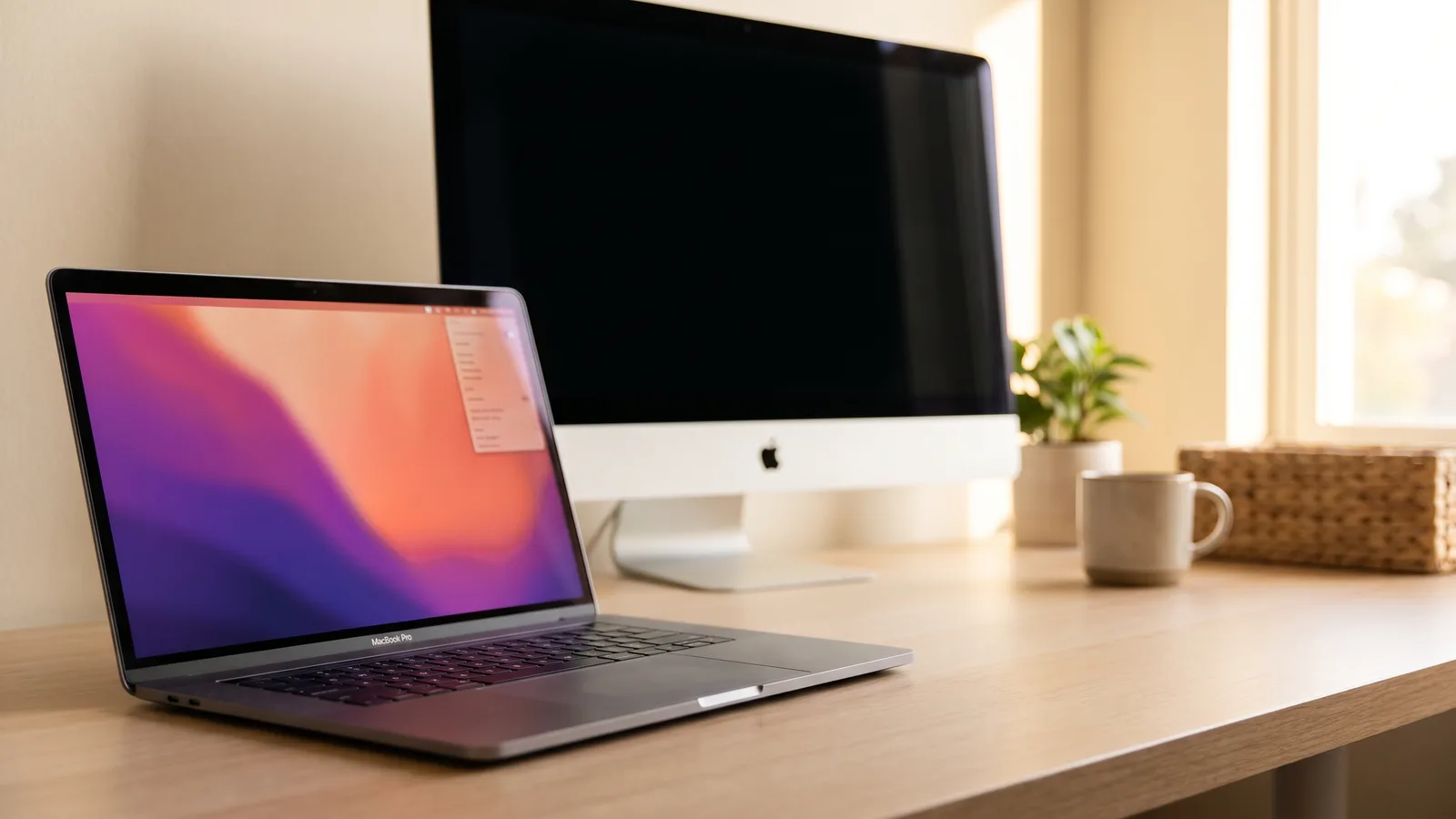
It's a frustrating moment. Your iMac is right there on the desk, both Macs are on the same Wi-Fi, and Screen Mirroring just doesn't list it. Most of the time it isn't a setting you missed: the iMac simply can't do it.
The usual reason: your iMac can't receive AirPlay
Screen Mirroring sends your screen with AirPlay, and Apple supports receiving it on a limited list of Macs (Apple macOS User Guide):
| Mac | Can receive AirPlay? |
|---|---|
| iMac from 2019 or later, iMac Pro | Yes, with macOS Monterey or later |
| iMac from 2018 or earlier (including all 2012 to 2017 models) | No |
If your iMac is from 2018 or earlier, it will never show up, whatever you set. That's not a bug. The feature just isn't there.
If your iMac is from 2019 or later, check these
- AirPlay Receiver is on: on the iMac, open System Settings › General › AirDrop & Handoff and turn on AirPlay Receiver. On Monterey it's System Preferences › Sharing.
- Who may connect: set "Allow AirPlay for" to your Apple account, or to anyone on the same network.
- Same Wi-Fi: both Macs need to be on the same network, and not on a guest network that keeps devices apart.
- Firewall: if "Block all incoming connections" is on in the iMac's firewall settings, turn it off.
- Wake it up: a sleeping iMac doesn't appear. Move its mouse and try again.
- Managed Macs: on a work iMac managed by an IT department, the option can be switched off for you.
Even when it works, AirPlay isn't a monitor
AirPlay squeezes your screen through Wi-Fi, so small text gets soft and the pointer lags a little behind your hand. It's great for showing photos or a video on a big screen, and tiring for a full day of work. It also depends on your Wi-Fi: a busy network means a worse picture.
Use your iMac as a real display instead
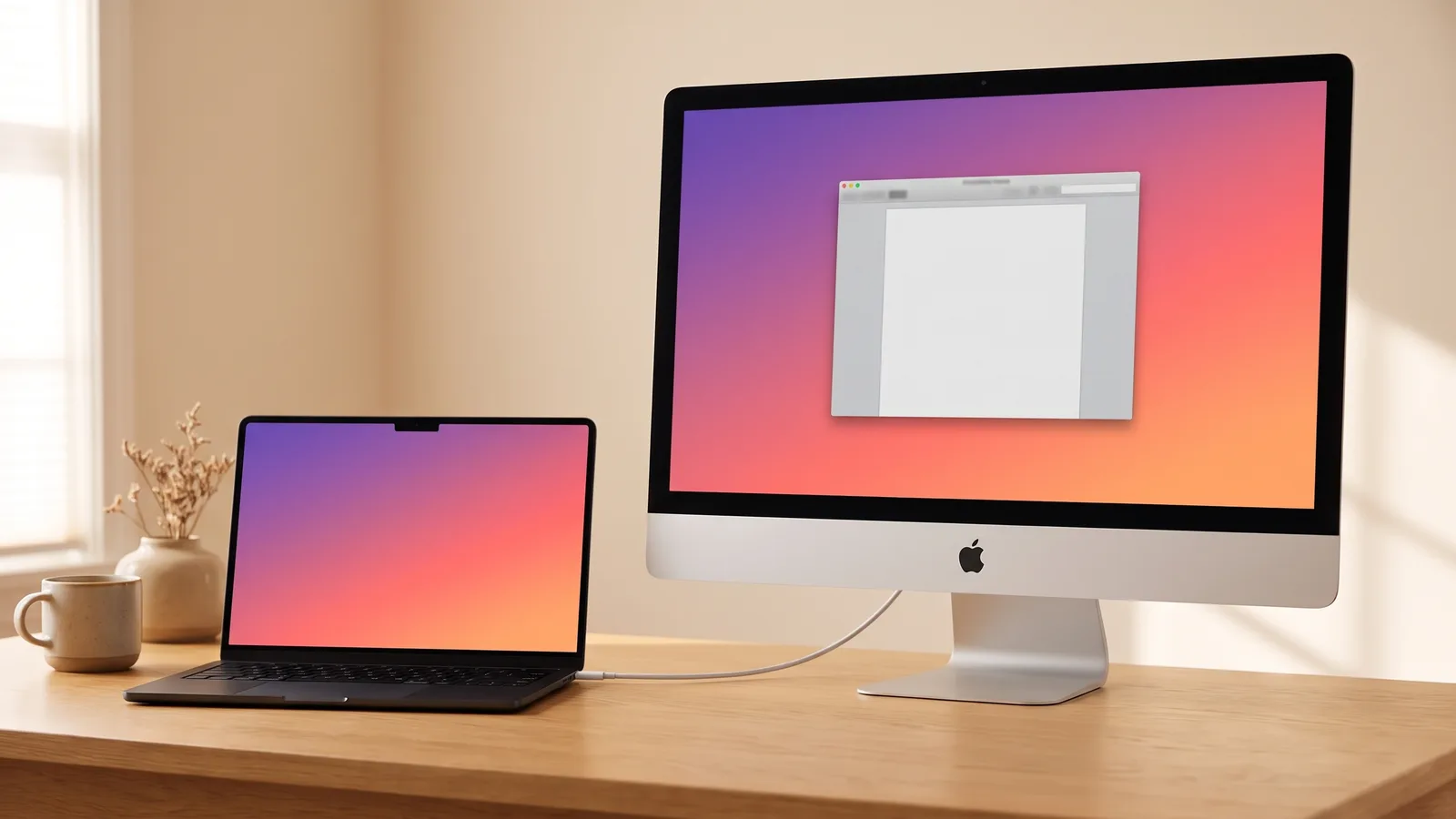
Encore turns any Intel iMac from Late 2012 on into a real display for your Mac, over one cable. That includes all the iMacs that never show up in Screen Mirroring. It appears in System Settings › Displays like a monitor, with sharp text and smooth video at 60 frames per second, and you can mirror or extend as you like.
Encore
Your old iMac. Now a monitor.
Free for 72 hours · then $49 once · no subscription · for Macs on macOS 13 or later
Next: set it up with your MacBook, or compare every option.
Questions people ask
Why can't I see my iMac as an option to mirror my MacBook Pro?
Your iMac only appears in Screen Mirroring if it can receive AirPlay: an iMac from 2019 or later, or an iMac Pro, on macOS Monterey or later, with AirPlay Receiver turned on and on the same Wi-Fi as your MacBook. iMacs from before 2019 can't receive AirPlay at all.
How do I turn on AirPlay Receiver on my iMac?
On the iMac, open System Settings › General › AirDrop & Handoff and turn on AirPlay Receiver. On macOS Monterey it's in System Preferences › Sharing.
Can I mirror my MacBook to a 2015 or 2017 iMac?
Not with AirPlay; those iMacs can't receive it. With Encore and a cable, any Intel iMac from Late 2012 on works as a display for your MacBook, mirrored or extended.