 Encore Display
How far behind a real monitor is it?
On our desk, windows on a 27-inch Retina 5K iMac show up 26 to 31 milliseconds after they would on a normal 60 Hz monitor. Video is further behind, at 43 milliseconds. Text matched the Mac exactly. These are the measurements from 23 October 2026.
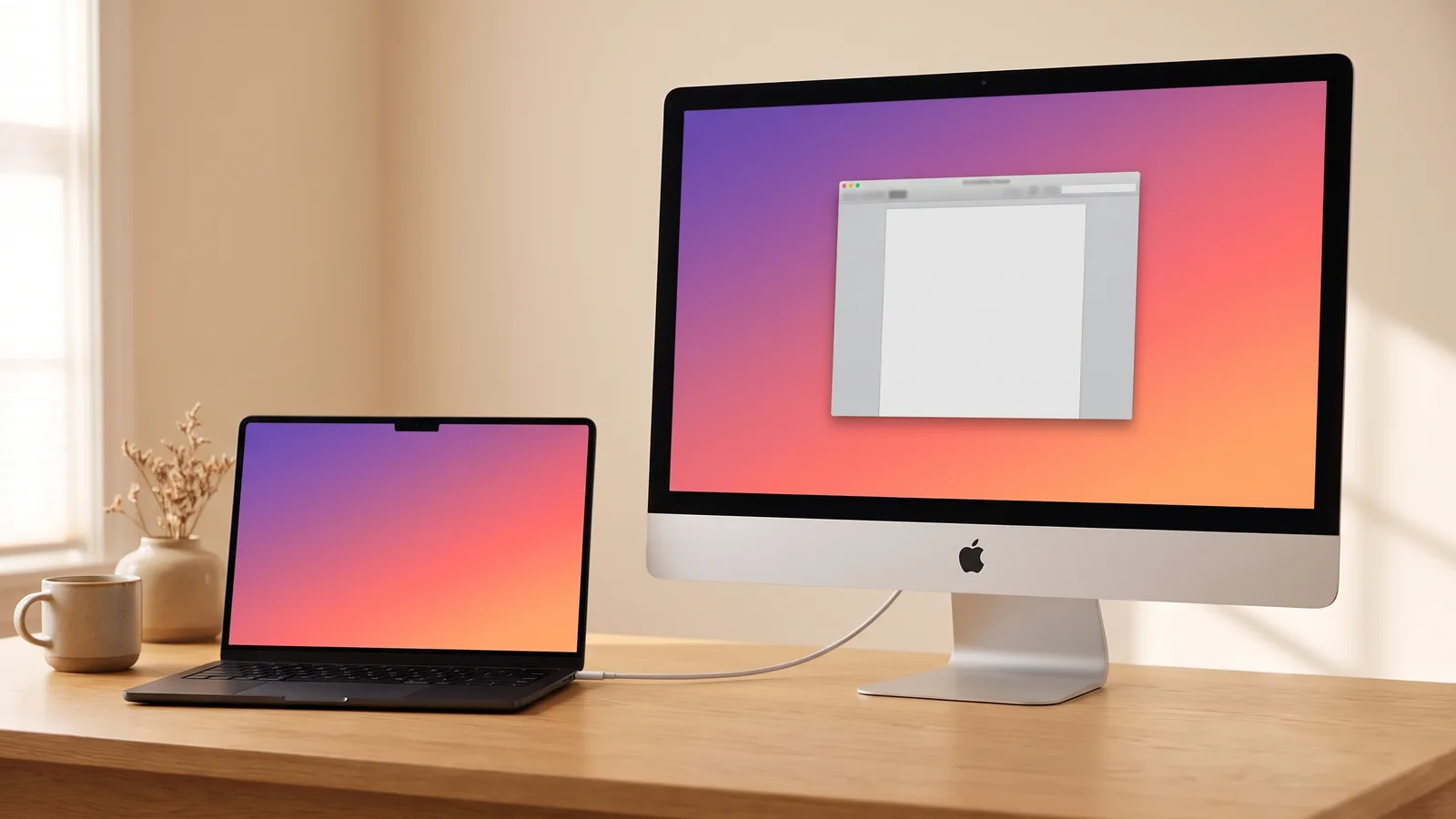
The desk
Every number on this page was measured on one pair of machines. The Mac is a MacBook Pro with M4. The display is a 27-inch Retina 5K iMac from Late 2014. The cable is USB-C on the MacBook and USB-A on the iMac. The tests were run on 23 October 2026. Other Intel iMacs from Late 2012 on are supported. They were not the machines on this desk.
The numbers
| What | Result | How |
|---|---|---|
| Windows and text, behind a real 60 Hz monitor | 26–31 ms | 240 fps camera, after three corrections |
| Same test, behind the MacBook's own panel, before corrections | Mean 35.2 ms, median 34.6 ms | 29 clear frames out of 40 |
| Video, behind a real monitor | 43 ms (p50 42.6, p95 44.7) | 863 frames, timed on the iMac |
| Video frame rate | 56–57 fps, about 60 once detected | Video area at 2560 × 1440 |
| Cable in to picture | 1.9 s, 2.2 s, 2.3 s | Three plug-ins |
| Wake to picture | 0.6 s | 20 of 20 sleep and wake cycles |
| Text and still interface | Matched the Mac exactly | Automated picture checks |
The camera test
A clock counting milliseconds was drawn at the top of both screens, from the same process: the MacBook's own display, refreshing at 120 Hz, and the iMac. An iPhone filmed both at 240 frames a second. Forty frames, spread through the clip, were read by eye. Twenty-nine were clear. The other eleven were mid-transition on the LCD, with two digits visible, so they were left out.
In those 29 frames the iMac's clock was behind the MacBook's by 18 ms (5 frames), 25 ms (4), 34 ms (6), 42 ms (10) or 51 ms (4). The mean was 35.2 ms. The median was 34.6 ms. The 8.3 ms steps are the two refresh rates landing on different ticks.
That 35.2 ms compares the iMac with the MacBook's own 120 Hz panel, not with a normal monitor. Three corrections come off it: 4.2 ms because the MacBook was refreshing at 120 Hz, about 2 ms for the camera's rolling shutter, and about 3 ms because the clock sits part-way down the iMac panel. What remains is 26 to 31 ms behind a real 60 Hz monitor, about one and a half to two frames. A second method, reading a marker back off the iMac's own screen, landed at 24 to 26 ms on a well-timed run and as high as 37 to 48 ms when the two screens were badly out of step. The gap moves by up to a frame from one session to the next.
Video
Still windows go across as exact tiles. A region that keeps changing, which is what video is, goes through the hardware video encoder instead. Timed on the iMac, those frames were shown 43 ms after a real monitor would have shown them: the median was 42.6 ms, the 95th percentile was 44.7 ms, across 863 frames.
In the measured run the video area, at 2560 × 1440, played at 56 to 57 frames a second, and about 60 once the video had been detected. After a fix to how frames are queued, a new video picture was shown on 99 to 100 percent of the iMac's refreshes. Before that fix it was 91 to 94 percent, with a skip and a repeat several times a second.
Sound from the iMac's speakers was measured at 19.1 ms of latency. The buffer was then set so the sound meets the picture within about 10 ms. That last 10 ms is an estimate from the parts of the path, not a second camera test.
Colour and text
Picture checks compare the Mac's pixels with what the iMac decoded. Text and still interface matched exactly, including after switching scaled resolutions and after the video stopped.
Colour follows the iMac panel's own profile, the way macOS does for a real monitor. In a 16-patch test, the largest difference against the same patches drawn natively on the iMac was 1 level out of 255. That difference is between the Mac's colour engine and the iMac's, not something the stream adds. The iMac's framebuffer still matched the Mac exactly in the picture check.
Plug in, and wake
Three times, from the cable going in to the picture on the iMac: 1.9 seconds, 2.2 seconds and 2.3 seconds. Twenty sleep and wake cycles in a row: the picture was streaming again 0.6 seconds after each wake, the iMac was dark while the Mac slept, and no frame failed the picture check.
What this does not cover
Thunderbolt, Ethernet, an Intel Mac as the source, and any iMac other than this Late 2014 27-inch 5K have not been timed on their own hardware. Switching this iMac into the pixel sizes of a 21.5-inch and a non-Retina 27-inch, the pointer landed on the expected pixel and the picture check matched. That is a simulation on one panel, not a second computer.
The same iMac is the one in the 5K guide. Setup for a MacBook or a Mac mini is separate.