 Encore Display
How to use your iMac as a monitor for a Mac mini
Yes. A Mac mini on macOS 13 or later can use an Intel iMac from Late 2012 on as its only display. The first time, you borrow any TV for a few minutes. After that, one cable is the screen.
Three ways
- Hardware swap. [$140 to $280]Take off the glass, remove the computer inside, and put a driver board in.
- Use Apple's built-in feature. [Free]For iMacs from 2009 to mid 2014, you can use Apple's Target Display feature.
- Use software and a cable you probably have lying around. [$49]Download Encore on both devices and connect them with a Thunderbolt, USB or Ethernet cable. Your iMac becomes a monitor to use.
A Mac mini is a computer without a display. If the only screen in the room is an old iMac, that is the one to use. Encore turns it into a real display: it shows up in System Settings › Displays, the same as a monitor you bought. Every other way is here if you want to compare.
The first time, when the Mac mini has no screen
You cannot do the very first setup with nothing plugged in. A new Mac mini will not finish macOS setup without a display, and Encore has to be allowed to record the screen before it can send a picture anywhere. The iMac cannot be that first display, because it only becomes one after that permission is given.
Borrow a TV, or any monitor with HDMI. Ten minutes is enough. You will not need it again for ordinary use.
Plug the HDMI cable into the Mac mini, install Encore, and move it into the Applications folder. Open it and click Continue when it asks to record the screen, then allow it in System Settings. That permission is remembered.
Which cable
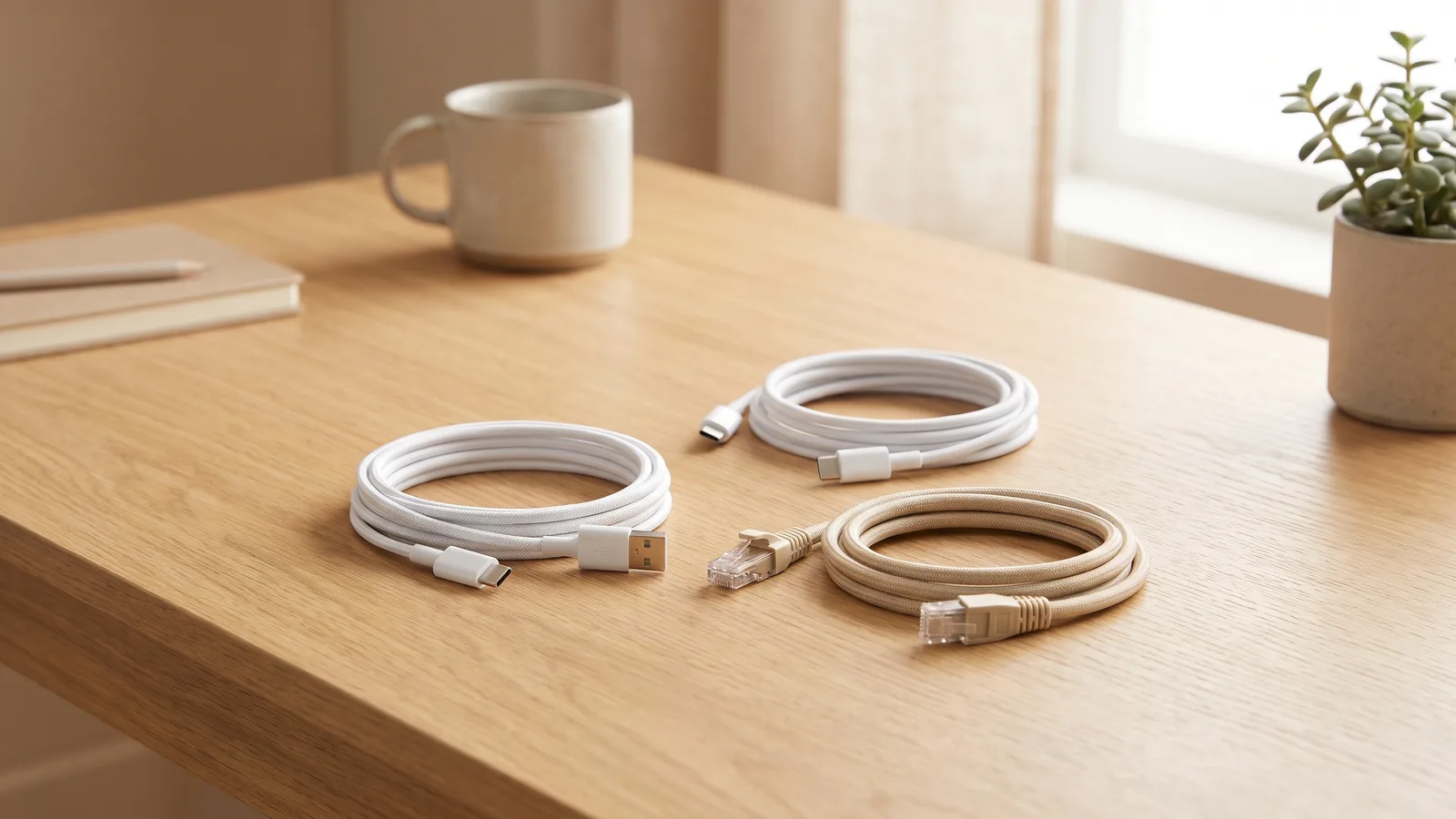
The HDMI cable is only for the TV. The iMac connects with a data cable, straight from the Mac mini to the iMac. Do not run that cable through a router or a switch. Encore looks for a direct cable, and a home network is not one.
| Your Mac mini | Cable into the iMac |
|---|---|
| Apple silicon (M1, M2, M4) | USB-C to USB-A for iMacs from 2012 to 2015. USB-C or Thunderbolt for iMacs from 2017 on. Ethernet, straight across, also works. |
| Intel Mac mini | Thunderbolt, or an Ethernet cable straight between the two. A USB cable between two Intel Macs does not make this link. |
Use a cable made for data: USB 3 (5 Gbps or faster) or Thunderbolt. A charge-only cable will not do it. Check your iMac if you are not sure which port it has.
Set it up
- Get Encore onto the iMac. On the iMac, download Encore, drag it into Applications and open it. Leave the iMac logged in.
- Borrow a TV once. Plug the Mac mini into any TV or monitor with HDMI. A new Mac mini cannot finish setup with no screen at all.
- Install Encore on the Mac mini. Download Encore, move it to Applications, open it and allow screen recording when macOS asks.
- Swap the TV for the iMac. Unplug the HDMI cable. Connect the Mac mini straight to the iMac with one data cable. The iMac becomes the display about two seconds later.
On the iMac, open Encore before you plug in. If that iMac is on macOS Ventura or later, it asks once whether it is the display or the computer. Choose "As a Display".
Check your iMac and cable
Which iMac do you want to use as a monitor?
Select one
Which year is it?
Select one
On the iMac: Apple menu › About This Mac shows the year.
Which Mac do you work on?
Select one
Which MacBook Air?
Select one
Not sure? Apple menu › About This Mac shows the chip: Apple M1 or later, or Intel.
Which MacBook Pro?
Select one
Not sure? Apple menu › About This Mac shows the chip: Apple M1 or later, or Intel.
Which Mac mini?
Select one
Not sure? Apple menu › About This Mac shows the chip: Apple M1 or later, or Intel.
Which iMac?
Select one
Not sure? Apple menu › About This Mac shows the chip: Apple M1 or later, or Intel.
Which Mac Pro?
Select one
Not sure? Apple menu › About This Mac shows the chip: Apple M1 or later, or Intel.
- Encore, on both MacsThe same app on your iMac and on the Mac you work on. Free for 7 days.Download for Mac
- One cable. Either of these works:
One more option
Arrange the screen in System Settings › Displays if you add a second display later. With the TV unplugged, the iMac is the only one, so windows open there.
After a restart
Encore opens itself at login on both Macs, as long as it lives in Applications. Plug the cable in and the picture comes back.
Three moments work without a picture. The iMac tells you each time what to do:
- The Mac mini is locked. macOS hides the screen while it's locked, so the iMac says "Your Mac is locked". Type your password on the Mac mini's keyboard and press Return, and the picture comes back. An Apple Watch can unlock it for you: System Settings › Touch ID & Password.
- The Mac mini restarts. Encore starts after you log in, so the login screen can't appear on the iMac. Type your password and press Return while the iMac is still dark, or turn on automatic login if FileVault is off.
- About once a month, macOS asks to keep sharing the screen. On a MacBook that question moves to the laptop's own screen. On a Mac mini, press Return on its keyboard to allow it. If the picture doesn't come back, plug the TV in for a moment and click Allow.
The iMac has its own screen for its own login. After a restart, log in there once if it asks, or turn on automatic login. If FileVault is on, automatic login is not available, so that login stays a manual step. The iMac's keyboard works for it, because you are logging into the iMac itself.
Sound, camera, keyboard
- Keyboard and mouse: the iMac's own work. Turn on the Keyboard & Mouse tile in the Encore panel, and while the iMac shows the Mac mini, they control the Mac mini. A Bluetooth or USB set on the Mac mini works too.
- Sound and microphone: turn them on in the Encore panel. Volume keys on your keyboard control the iMac.
- Camera: a Mac mini has none. Turn on the Camera tile in the Encore panel, then pick Encore iMac Camera in FaceTime or Zoom.
- Brightness: set it with the slider in the Encore panel.
A Mac Studio or a Mac Pro is the same setup. A MacBook can skip the TV, because it has a screen of its own, and it can run with the lid closed.
Encore
Your old iMac. Now a monitor.
Free to try · no account · for Macs on macOS 13 or later
Questions people ask
Can I set up a Mac mini with only the iMac, and no TV?
Not the first time. macOS setup and the screen-recording question both need a screen, and the iMac does not become that screen until Encore is allowed on the Mac mini. Any TV or monitor is enough for that one sitting. After that, unplug it.
Does it keep working after I restart the Mac mini?
Yes, once you are logged in. Encore opens at login. Before that, the Mac mini may ask for your password while the iMac is still dark: type it on the Mac mini's keyboard and press Return. When the Mac mini restarts, the iMac says so and reminds you.
Can I use a 2017 iMac as a monitor for a Mac mini?
Yes. A 2017 iMac is an Intel iMac, which Encore supports, with a USB-C or Thunderbolt cable to the Mac mini.
Can I use my iMac as a screen for an iPad?
No. Encore is Mac to iMac only.
Target Display Mode does not help a current Mac mini. It never came to the Retina iMacs, and it does not work with Apple silicon. Which older iMacs have it.